A graphics card is one of the most important parts of a computer. When people talk about GPUs, they often hear the term Reference GPU. Many users do not clearly understand what a reference GPU is, how it works, and how it is different from other graphics cards.
This guide explains everything about reference GPUs in simple English. It covers meaning, design, performance, cooling, pricing, benefits, drawbacks, and who should buy one.
What Is A Reference GPU?
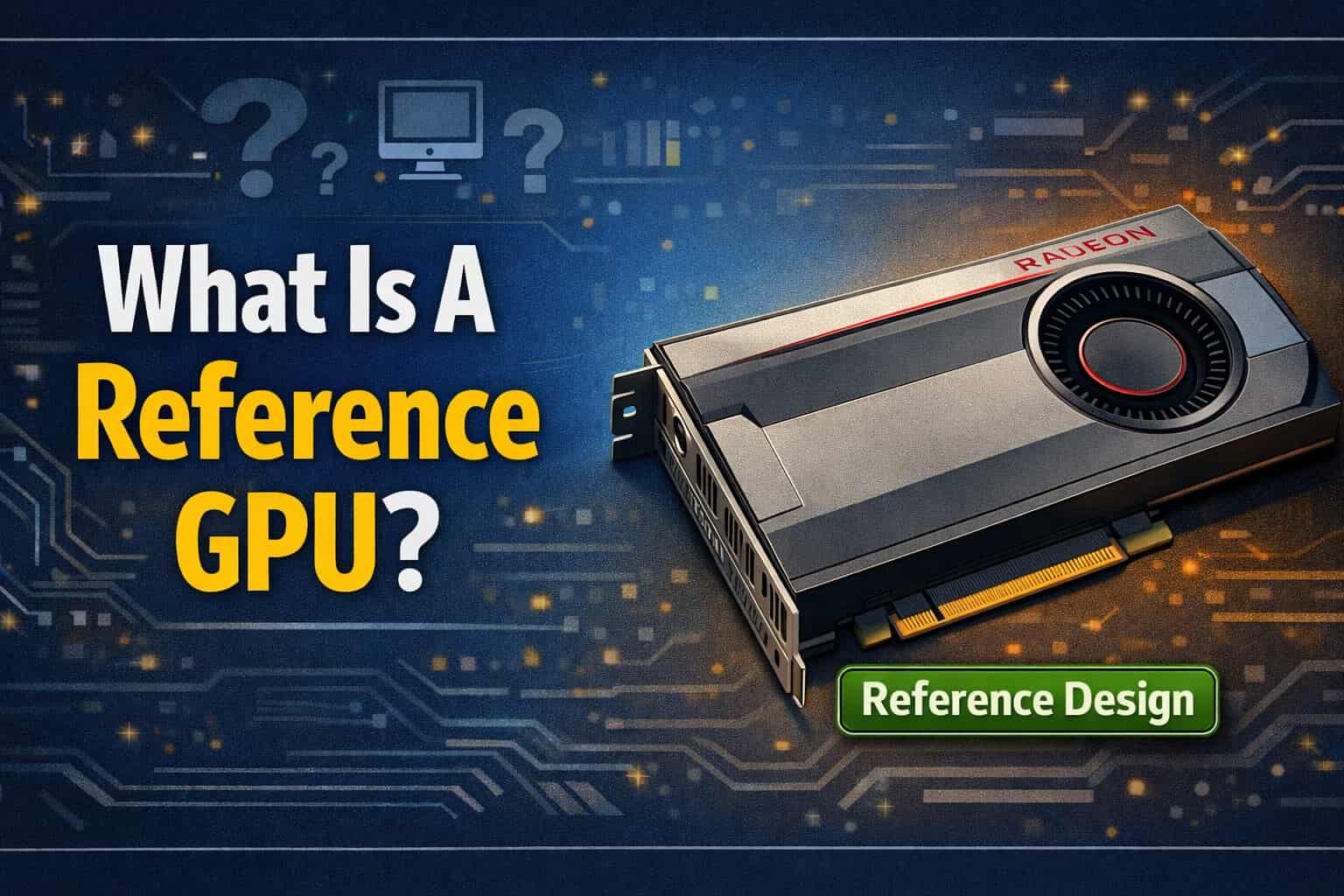
A Reference GPU is a graphics card designed directly by the GPU manufacturer, such as NVIDIA or AMD. The design includes the PCB (circuit board), power layout, cooling system, clock speeds, and size.
This original design is called the reference design. GPU makers give this design to other companies so they can build their own versions.
In simple words, a reference GPU is the base or standard version of a graphics card.
Who Makes Reference GPUs?
Reference GPUs are created by the companies that make the GPU chip itself:
- NVIDIA designs reference GPUs for GeForce RTX cards
- AMD designs reference GPUs for Radeon RX cards
Companies like ASUS, MSI, Gigabyte, Zotac, and Sapphire do not design the GPU chip. They use the reference design or modify it to create custom cards.
What Is a Reference Design?
A reference design is the official blueprint of a GPU. It includes:
- PCB layout
- Power delivery system
- Default clock speeds
- Voltage limits
- Memory configuration
- Cooler design
- Card size and shape
This design is tested and approved by NVIDIA or AMD to ensure stability and compatibility.
What Is a Reference Graphics Card?
A reference graphics card is a physical GPU that follows the reference design exactly or almost exactly.
Examples:
- NVIDIA Founders Edition cards
- AMD reference RX cards at launch
These cards usually appear first when a new GPU generation is released.
What Is a Founders Edition GPU?
A Founders Edition GPU is NVIDIA’s own branded version of a reference GPU.
Important points:
- Designed and sold by NVIDIA
- Uses reference PCB
- Often has a custom cooler made by NVIDIA
- Same base specifications as reference
Founders Edition cards are still considered reference GPUs.
Reference GPU vs Custom GPU
Design Differences
| Feature | Reference GPU | Custom GPU |
| PCB | Standard design | Modified design |
| Cooling | Basic or standard | Advanced coolers |
| Clock Speeds | Stock speeds | Factory overclocked |
| Size | Standard | Larger or thicker |
| Power Phases | Basic | Enhanced |
Cooling System
Reference GPUs usually use:
- Blower-style coolers (older models)
- Dual-fan designs (newer models)
Custom GPUs use:
- Larger heatsinks
- Triple fans
- Better airflow
This means custom GPUs often run cooler and quieterPerformance Difference
At stock settings:
- Reference GPU performance is stable and consistent
- Custom GPUs may perform slightly better due to higher clocks
The performance difference is usually small, around 3% to 7%.
Why Do Reference GPUs Exist?
Reference GPUs serve many purposes:
- Set a performance standard
- Allow faster market launch
- Help developers test drivers
- Provide a base for custom models
- Ensure compatibility
They act as a starting point for the entire GPU market.
Are Reference GPUs Slower?
No, reference GPUs are not slow.
They:
- Run at official clock speeds
- Deliver the performance advertised by NVIDIA or AMD
- Are fully stable
They are only slower when compared to factory-overclocked custom cards.
Are Reference GPUs Good for Gaming?
Yes, reference GPUs are good for gaming.
They can:
- Run modern games smoothly
- Support high resolutions
- Handle ray tracing and DLSS or FSR
The gaming experience is very similar to custom GPUs at default settings.
Reference GPU Cooling Explained
Blower-Style Cooling
Older reference GPUs used blower fans.
Benefits:
- Push hot air out of the case
- Good for small cases
Drawbacks:
- Louder noise
- Higher temperatures
Open-Air Cooling
Newer reference GPUs use open-air coolers.
Benefits:
- Better airflow
- Lower noise
- Improved cooling
Drawbacks:
- Hot air stays inside the case
Reference GPU Power Consumption
Reference GPUs follow:
- Official TDP limits
- Standard power connectors
- Safe voltage levels
Custom GPUs may use:
- Higher power limits
- Extra connectors
- Stronger VRMs
This makes reference GPUs more predictable and power-efficient.
Overclocking a Reference GPU
Reference GPUs can be overclocked, but with limits.
Pros:
- Stable baseline
- Safe voltage control
Cons:
- Lower headroom
- Power limits restrict gains
Custom GPUs are better for heavy overclocking.
Reference GPU vs OEM GPU
Reference GPU
- Made for retail market
- Standard design
- Sold separately
OEM GPU
- Made for prebuilt systems
- May have limited cooling
- Often locked BIOS
Reference GPUs are usually better than OEM GPUs.
Reference GPU vs AIB GPU
AIB means Add-In Board partner.
Examples:
- ASUS
- MSI
- Gigabyte
AIB GPUs:
- Modify reference designs
- Improve cooling
- Increase clocks
Reference GPUs:
- Keep original specifications
- Focus on stability
Are Reference GPUs Cheaper?
Usually, yes.
Reasons:
- No premium cooling
- No factory overclock
- Standard materials
At launch, reference GPUs often have the lowest MSRP.
Availability of Reference GPUs
Reference GPUs:
- Launch first
- May have limited stock
- Sometimes stop production early
Custom GPUs usually stay longer in the market.
Reference GPU for Workstations
Reference GPUs are popular in professional work.
Reasons:
- Stable drivers
- Predictable behavior
- Better compatibility with software
Many developers and creators prefer reference cards.
Reference GPU for Linux Users
Reference GPUs are often better for Linux.
Benefits:
- Official driver support
- Fewer BIOS changes
- Better kernel compatibility
This makes them reliable for Linux systems.
Reference GPU BIOS Explained
Reference GPUs use:
- Stock BIOS
- Standard voltage tables
- Locked safety limits
Custom GPUs may have:
- Dual BIOS
- Higher power limits
Reference GPU for Small PC Builds
Reference GPUs are good for:
- Mini-ITX cases
- Small form factor PCs
They have:
- Standard length
- Predictable size
- Lower heat output
Are Reference GPUs Noisy?
Noise depends on:
- Cooling type
- Fan curve
- Case airflow
Older blower cards are loud.
Newer reference cards are much quieter.
Reference GPU Lifespan
Reference GPUs last as long as custom GPUs.
Factors:
- Temperature control
- Power stability
- Proper airflow
There is no quality difference in lifespan.
Should You Buy a Reference GPU?
You should buy a reference GPU if:
- You want stable performance
- You prefer official design
- You plan to use Linux
- You want smaller size
- You want lower price
When a Custom GPU Is Better
Choose a custom GPU if:
- You want lower temperatures
- You want quiet operation
- You plan heavy overclocking
- You like RGB and design
Common Myths About Reference GPUs
Myth 1: Reference GPUs are weak
False. They deliver official performance.
Myth 2: Reference GPUs overheat
False. New designs are well-cooled.
Myth 3: Reference GPUs are outdated
False. They are released first.
Reference GPU in New GPU Generations
Modern reference GPUs are improving.
Changes include:
- Better cooling
- Improved power delivery
- Smaller size
- Lower noise
They are no longer basic cards.
Reference GPU and Driver Updates
Drivers are usually tested first on reference GPUs.
Benefits:
- Faster fixes
- Better stability
- Official optimization
Is a Reference GPU Right for You?
Ask yourself:
- Do I need extra cooling?
- Do I plan to overclock?
- Is my case small?
- Do I want stable drivers?
Your answers decide the best option.
What is a reference GPU used for?
A reference GPU is used as the baseline design created by the GPU manufacturer (NVIDIA or AMD). It sets standard specifications for clock speeds, power limits, and cooling. Reference GPUs are mainly used for testing, reviews, and as a foundation for custom cards made by third-party brands. They ensure performance consistency across the market.
What is a reference GPU for gaming?
For gaming, a reference GPU delivers performance exactly as intended by the GPU maker. It runs at stock clock speeds with a standard cooler. While it may not offer the best cooling or overclocking headroom, it provides stable and predictable gaming performance, making it suitable for users who prefer reliability over customization.
Are reference GPUs good?
Yes, reference GPUs are good in terms of stability and reliability. They follow strict design guidelines and usually have solid build quality. However, their cooling solutions are often less effective than custom models, which can result in higher temperatures and noise. They are best for users who want stock performance without overclocking.
Reference vs. custom graphics cards: Which should you buy?
Choose a reference card if you want stock performance, compact size, and predictable behavior. Choose a custom graphics card if you want better cooling, quieter operation, factory overclocks, and improved aesthetics. Custom cards are usually better for gaming and long-term use, while reference cards suit minimal or small-form-factor builds.
Does AMD make reference cards?
Yes, AMD does make reference cards for many of its Radeon GPU launches. These cards are designed and sold directly by AMD or through select partners. AMD reference cards follow AMD’s official design and specifications and are often released at launch before custom models become widely available.
Are AMD reference cards good?
AMD reference cards are generally good in terms of build quality and performance. However, their blower-style coolers on older models can be noisy and run hotter than custom designs. Newer AMD reference cards have improved cooling. They are reliable but may not be ideal for heavy overclocking or quiet-focused builds.
What is a reference GPU card?
A reference GPU card is a graphics card built using the original design provided by the GPU manufacturer. It uses standard clock speeds, power delivery, and cooling layouts. Board partners follow this design exactly, without customization. Reference cards are often used as a benchmark for performance comparisons.
Is 98% GPU normal?
Yes, 98% GPU usage is normal during gaming, rendering, or other demanding tasks. It means the GPU is being fully utilized, which is ideal for performance. As long as temperatures and power consumption remain within safe limits, high GPU usage is not harmful and indicates efficient hardware usage.
What is the meaning of reference card?
A reference card refers to a graphics card that follows the official design created by the GPU manufacturer. It represents the standard version of the GPU without third-party modifications. Reference cards are often used to showcase intended performance, thermals, and power behavior of a GPU model.
Are reference cards cheaper?
Reference cards are sometimes cheaper, especially at launch when sold at the manufacturer’s suggested retail price (MSRP). However, pricing depends on availability and market demand. In some cases, reference cards can be more expensive due to limited supply, while custom cards may offer better value with improved cooling.
Task Manager Not Showing GPU?
If Task Manager is not showing your GPU, it may be due to outdated drivers, disabled hardware, or an older Windows version. Updating GPU drivers, enabling GPU performance columns, and checking Device Manager can help. On some systems, integrated GPUs may hide the dedicated GPU until drivers are installed.
GPU Power Consumption Drops?
GPU power consumption drops when the workload decreases or when throttling occurs. Common causes include temperature limits, power limits, CPU bottlenecks, or driver behavior. Sudden drops during gaming can cause FPS dips. Monitoring clocks, temperatures, and power limits helps determine whether the drop is normal or a problem.
No Display After Installing New GPU?
No display after installing a new GPU can be caused by loose power cables, incorrect display output, BIOS settings, or driver issues. Ensure the GPU is properly seated, PCIe power cables are connected, and the monitor is plugged into the GPU, not the motherboard. A BIOS reset may also help.
Stuttering After Installing New GPU?
Stuttering after installing a new GPU may be caused by driver conflicts, CPU bottlenecks, background apps, or incorrect settings. Performing a clean driver install, updating Windows, and checking power settings can help. In some cases, old drivers or game settings optimized for the previous GPU cause performance issues.
Final Conclusion:
A reference GPU is the original graphics card design made by NVIDIA or AMD. It offers stable performance, official specifications, and reliable cooling. Reference GPUs are good for gaming, work, and small PC builds. They are not slow or outdated. For most users, a reference GPU is a smart and safe choice.
FAQs:
1. What does reference GPU mean?
A reference GPU is a graphics card designed by NVIDIA or AMD. It uses the original design, clock speeds, and power limits set by the GPU mak
2. Is a reference GPU good for gaming?
Yes, a reference GPU is good for gaming. It gives stable performance and can run modern games smoothly at the settings recommended by the manufacturer.
3. What is the difference between reference and custom GPU?
A reference GPU uses the original design, while a custom GPU has better cooling, higher clock speeds, and a different look made by partner brands.
4. Are reference GPUs cheaper than custom GPUs?
In most cases, yes. Reference GPUs usually cost less because they do not have extra cooling, RGB lights, or factory overclocking.
5. Can you overclock a reference GPU?
Yes, you can overclock a reference GPU. However, the overclocking limit is lower compared to custom GPUs because of power and cooling limits.

Jerry Smith brings a decade of hands-on experience at Tesla, specializing in electric vehicle engineering, battery systems, and market analysis. As both an automotive practitioner and passionate investor, he blends technical insight with stock-market savvy to demystify Tesla’s innovations and financial narrative.
Related Posts